
Guides
JUN 12, 2026
How to compress images without visibly losing quality
A practical method for cutting image weight by 80–95% using format choice, sensible dimensions and a quality setting you can defend.
Read ArticleBuild apps, clone websites, and use 46+ free PDF, image, SEO, developer and text tools — no signup, no install.
Paste a URL and download a public website for offline use. Clone a single page, pick pages from automatic discovery, or crawl an entire site — then get one ZIP with the pages, stylesheets, scripts, images and fonts, and every internal link rewritten so it opens without a connection.
Fix grammar without rewriting your voice, rephrase a paragraph for a different reader, or turn a rough idea into a prompt an assistant can follow. Free, no account — and unlike our other tools, these send your text to a server, so we say so plainly on every page.
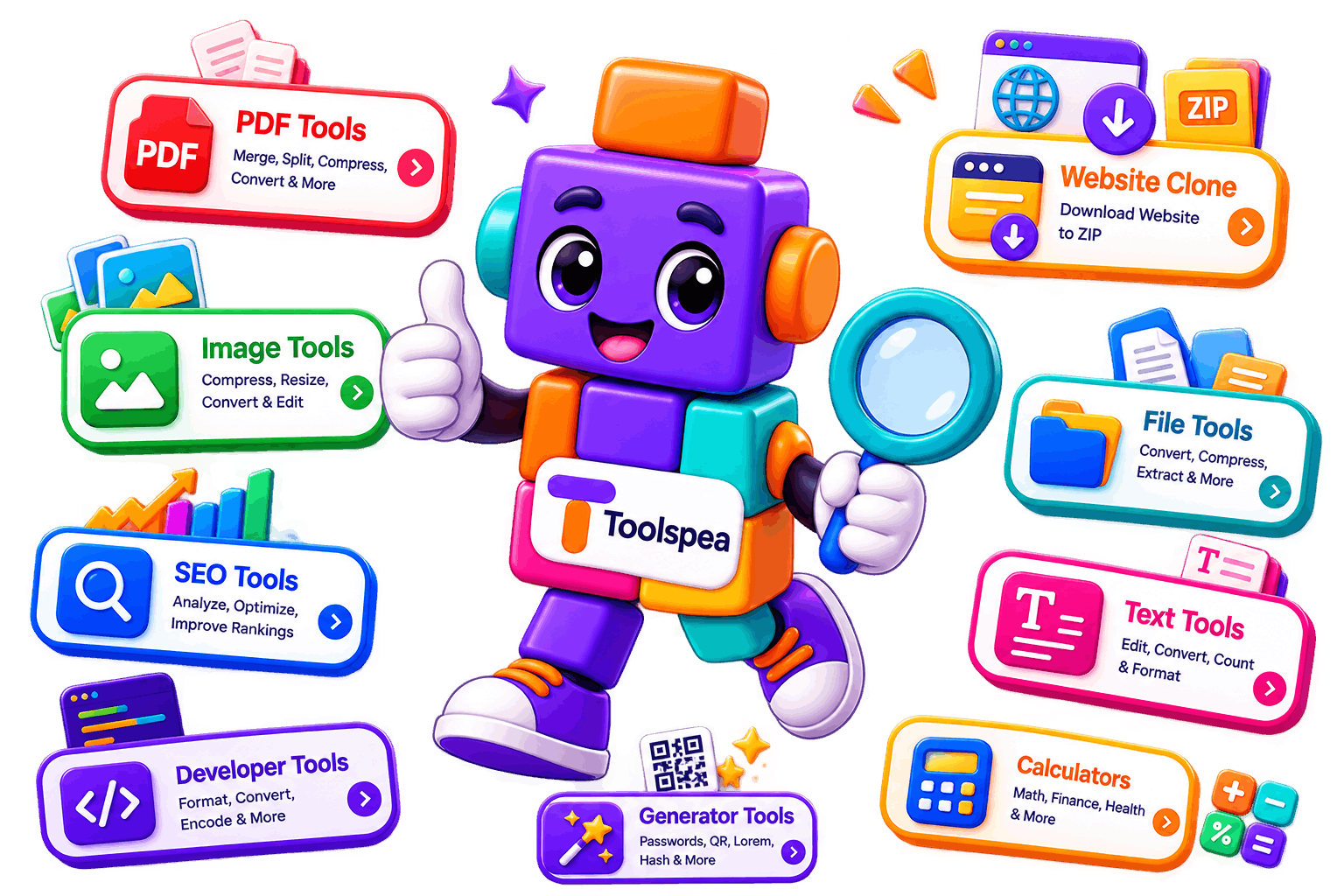
Browse free tools for text, documents, SEO, developers and everyday tasks.
Clone a public website and download HTML, CSS, JavaScript, images and fonts as a ZIP.
See the CMS, framework, analytics and hosting signals behind any public page.
Turn a website into a full-screen Android Studio WebView project — icon, splash, permissions and all.
Fix grammar, spelling, punctuation and sentence structure while keeping your meaning.
Find the active theme folder and visible plugins on a WordPress site.
Generate the manifest, icons, service worker and offline page a website needs to become installable.
Rewrite sentences, paragraphs and articles in a new style while keeping the meaning.
Reveal the Shopify theme name, ID and role published on a storefront.
Turn a simple idea into a clear, structured prompt for any AI assistant.
Check every link on a page and list the ones that fail.
Read the status code, headers and redirect chain returned by any URL.
Follow a redirect chain hop by hop and find loops or extra steps.
Toolspea is a free, browser-based collection of single-purpose utilities for text, developer, SEO, image and calculation tasks. Tools run client-side wherever technically possible, so your input stays on your device.
Clone, inspect and audit public websites from one place.
9 tools
Turn a website into an installable PWA or an Android WebView app.
4 tools
Fix grammar, rewrite text and build better AI prompts.
3 tools
Clean up, count, convert and reshape written content.
5 tools
Format, encode, decode and inspect the data you work with daily.
6 tools
Draft metadata, previews and crawl directives without a subscription.
4 tools
Compress, convert and inspect images entirely on-device.
3 tools
Quick numeric answers for design, content and everyday work.
3 tools
Compress, split, merge and convert PDFs without an upload.
6 tools
Convert, bundle and inspect files locally in the browser.
3 tools
Produce boilerplate, identifiers, placeholder data and markup.
0 tools
Utilities that do not fit a neat box but still save an hour.
0 tools
Every tool is free with no usage cap, no trial timer and no paid tier that unlocks the real output.
Text and files are processed inside your tab. We have no copy of your input because it never leaves the device.
Each tool is a single small page. There is no queue, no ad interstitial and no waiting room.
No account, no email address, no verification step. Open the page and start working immediately.
The interface is responsive and tested from 320px phones through to ultra-wide desktops.
New tools ship regularly, and the installed app keeps working when the connection drops.
Search the directory or browse a category to find the single-purpose utility you need.
Paste text, drop a file or type a URL. Nothing is submitted until you choose an action.
Where the browser can do the work, it does — your file is decoded in memory, not uploaded.
Take the result as a copy-to-clipboard string or a downloaded file, then close the tab.
JUN 12, 2026
A practical method for cutting image weight by 80–95% using format choice, sensible dimensions and a quality setting you can defend.
Read Article
MAY 28, 2026
Base64 turns binary into safe ASCII text. Here is how it works, why it is not encryption, and the three cases where it is the right tool.
Read Article
JUN 30, 2026
Length limits, rewriting behaviour and a repeatable way to write snippets that survive truncation and earn the click.
Read Article